
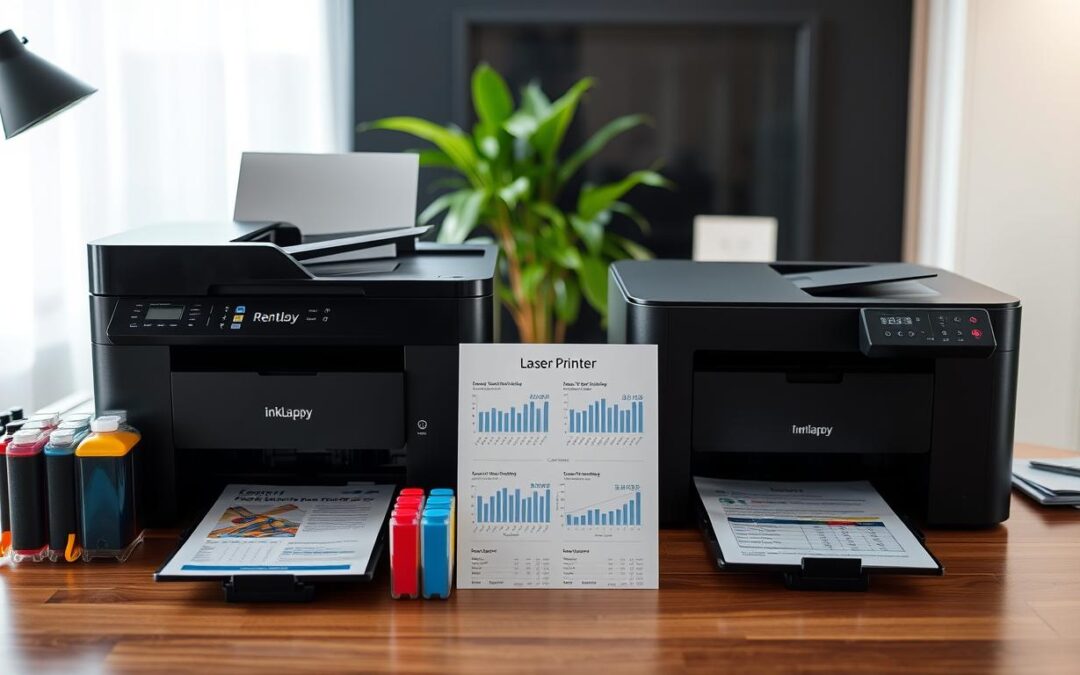
Choosing a printer in India means weighing more than the price on the box. Your monthly page count, color use, print speed, and document quality can all affect the real cost. The right fit may differ for a family, a freelancer, and a busy office.
The two main options work in different ways. Refillable ink tank printers entered the market in 2015 as an alternative to cartridge-based systems. They hold liquid ink in refillable reservoirs. Laser printers use toner powder and heat to form text and images on paper.
Cost per page depends on how much you print and how often you use color. Some HP Smart Tank models may include up to three years of Original HP Ink and yield up to 8,000 color pages. Actual output varies with use, settings, and print habits.
This guide compares upfront spending, supplies, speed, and quality, including photo needs and everyday documents. That makes it easier to choose with confidence and balance cost and convenience for your home or office.
Key Takeaways
- Compare the purchase price with ongoing supply costs.
- Print volume and color use affect the cost of each page.
- Refillable reservoirs and heat-fused toner use different supplies.
- Some HP Smart Tank models offer up to 8,000 color pages, depending on use.
- Match speed and image quality to the work you do most.
Ink Tank vs Laser Printer: How the Technologies Work
Each system places an image on a page in a different way. Knowing how supplies move through the device can help you choose one that suits your routine.
Refillable Liquid Reservoirs
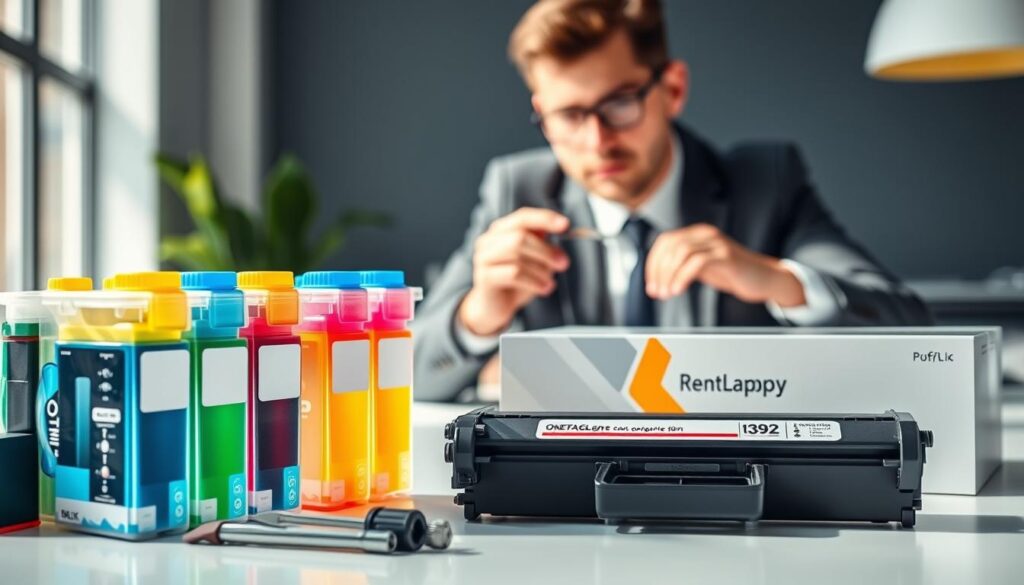
Refillable reservoirs hold liquid ink and send it through tiny nozzles onto paper. This bottle-based design became more widely available in 2015 as an economical alternative to traditional cartridges. Regular use can help keep the flow steady, while refill access makes supply checks simple.
Dry Toner and Heat-Fused Output
Laser printers use dry toner powder. Heat bonds it to the page, which can suit sharp text and occasional document jobs. The sealed supply does not dry out between uses, though replacement toner cartridges add a separate upkeep task.
“The right system is the one that fits the work you print most.”
Neither method wins for every home or office. Compare paper handling, color quality, routine maintenance, and expected speeds. Choose based on your usual workload, not one feature alone.
| Feature | Refillable design | Heat-fused design |
|---|---|---|
| Supply | Bottled liquid | Dry powder |
| Best routine | Regular color jobs | Occasional text documents |
| Upkeep | Refill reservoirs and use often | Replace toner when depleted |
Upfront Price and Cost per Page Compared
A low checkout price can hide the real expense of keeping a device supplied. Compare the purchase price with refill or toner costs to judge long-term value, especially if you print often.
When Refillable Models Offer Lower Color Costs
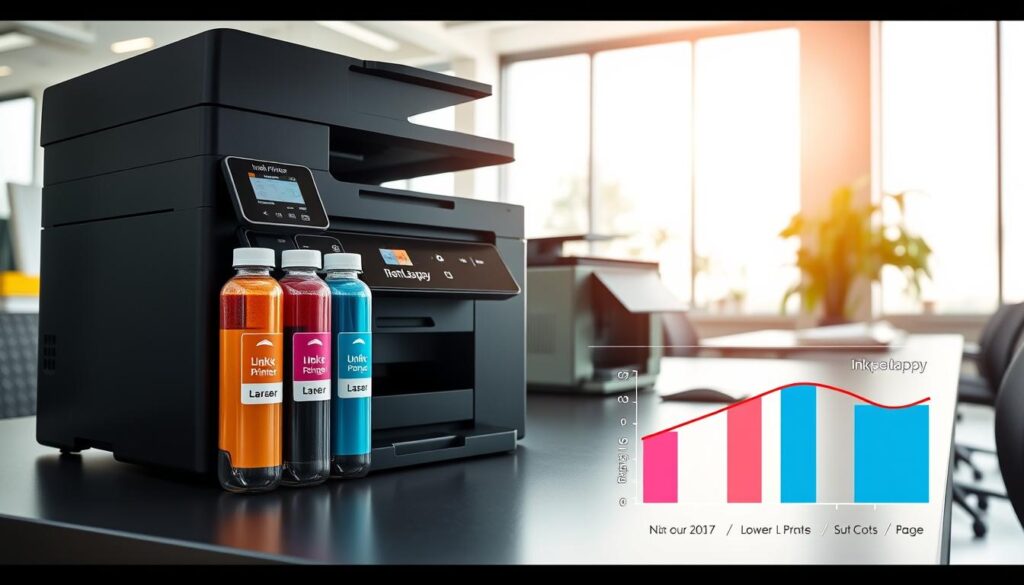
Some HP Smart Tank models include up to three years of Original HP Ink and can yield up to 8,000 color pages. Actual results depend on use. The Epson EcoTank ET-2850 lists yields of up to 4,500 black pages and 7,000 color pages per bottle. Canon’s MAXIFY MegaTank GX7021 lists up to 6,000 black pages and 14,000 per color bottle.
Monochrome Costs and Color Toner
For text-heavy jobs, monochrome laser printers can be economical. Toner cartridges may cost $100 to $300, based on the series, so check local prices before buying. Color toner and replacement needs can raise spending.
“The best value comes from matching supplies to your real workload.”
Estimate Your Long-Term Spending
For an Indian home or office, estimate monthly pages, color share, supply prices, and replacement needs. Then compare the cost per page across models. A single claim may not reflect what your routine prints actually cost.
Print Quality for Text, Color Documents, and Photos
A signed contract, a school poster, and a family photo place very different demands on a page. The best choice depends on what you create most during everyday printing at home or work.
Sharp Text for Reports and Business Documents
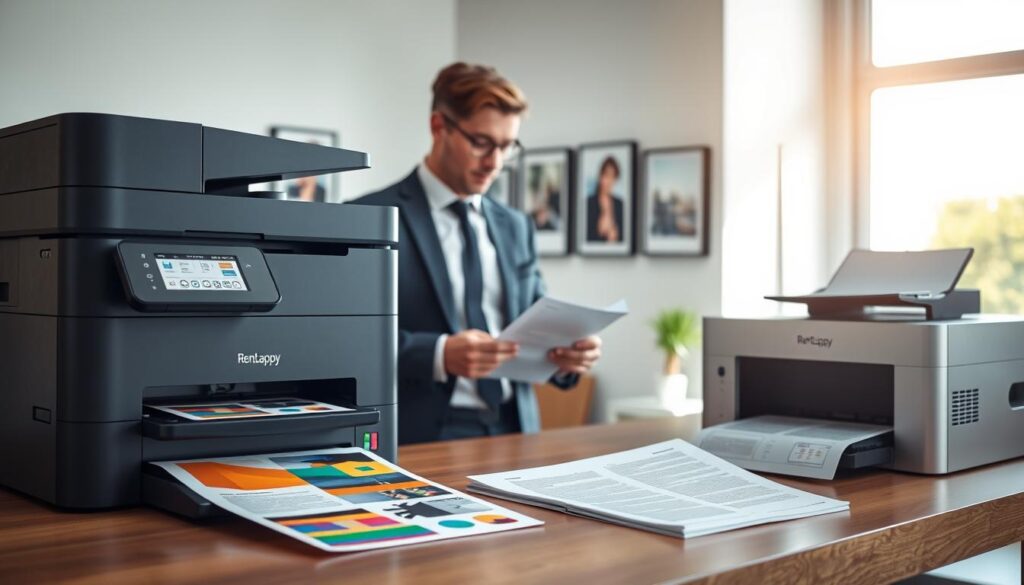
Laser printers often deliver crisp black text for reports, contracts, and business documents. This clear output helps keep letters and tables easy to read. For office printing, sharp text may matter more than rich color.
Color Accuracy and Photo Printing Results
An ink tank printer can handle colorful documents, graphics, presentations, school projects, and photos. The Epson EcoTank Photo ET-8500 uses six bottles: pigment black and five dye-based colors. This setup supports detailed photo printing and vivid results.
Some printers support borderless prints up to 4R or A4, which suits photo paper and image-led work. Laser models usually need margins and are less suited to full-size photos. Compare sample pages on the paper you plan to use. Choose the quality that fits your usual print jobs, not text sharpness alone.
Print Speeds and Workload Capacity
Speed matters when a queue of forms or reports is waiting. The pace you get depends on the model, the file, and the size of each job. Compare rated output with the tasks you handle most.
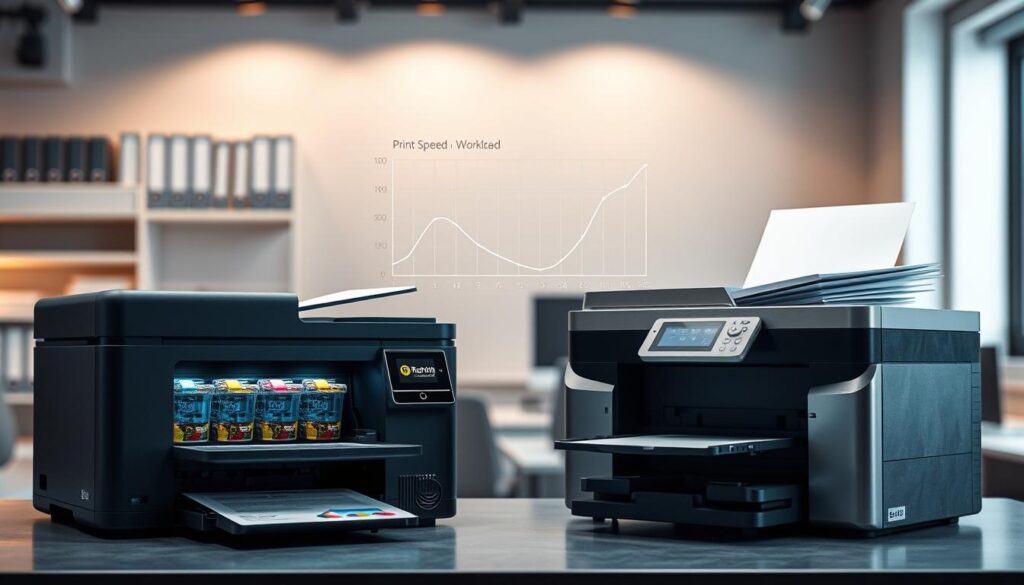
Why Laser Devices Suit Fast, High-Volume Text Printing
Ink tank models average 5–25 pages per minute, though complex files may take longer. By comparison, HP lists the LaserJet MFP M234dw at up to 30 pages per minute. The Brother MFC-L2750DW reaches up to 36 pages per minute, making it a useful option for fast, monochrome document work.
- For busy offices: Laser printers can move through repeated batches of text pages quickly.
- For color-focused home use: Other features, such as color output and supply costs, may matter more than speed.
- For multipage jobs: The HP Color LaserJet Pro MFP M283fdw has a 50-sheet automatic document feeder.
Rated speeds offer a useful guide, not a guarantee. Check whether figures refer to black or color output, and consider paper handling, workload, and maintenance. Choose the pace and capacity that fit your daily needs.
Maintenance, Reliability, and Print Frequency
Supply costs matter, but upkeep also shapes value over time. Your print habits can affect how often you clean parts or buy replacements.
Preventing Ink Drying and Clogged Printheads
An ink tank can develop clogged nozzles if it sits unused for a long time. Printing a small test page on a regular schedule helps keep the printhead primed.
Tank printers may also need occasional nozzle cleaning. Some models require waste-pad replacement, so check service options if your schedule is irregular. Regular use can help reduce avoidable upkeep.
Toner, Drum, and Replacement-Part Considerations
Laser printers use dry toner, which can handle long gaps between jobs. Laser printers may suit homes that print only now and then, though toner cartridges still add to the cost. A cartridge may yield thousands of pages, depending on the model and settings.
Plan for parts as well as supplies. The Brother MFC-L2750DW drum generally needs replacement after about three to four toner cartridges. This affects the cost per page and helps you budget for service.
“Match the system to how often you print, not just how much you print.”
Which Printer Fits Your Home or Office Needs?
For homes, freelancers, and small businesses in India, an ink tank printer can suit regular color printing, schoolwork, and photo prints. HP Smart Tank models may include enough ink for up to 8,000 color pages, depending on use. That supply can help frequent users plan costs, though actual yields vary.
If your routine centers on black-and-white reports, contracts, and text-heavy files, a laser printer can offer useful speed. Factor toner and replacement cartridges into your budget, and check service needs. Some laser-based models may reduce delays on large batches, while regular color jobs often favor refillable supplies. Compare print quality and maintenance along with the cost per page.
- Choose refillable supplies for steady color work at home or in a small office.
- Consider a monochrome option for high-volume text in busy offices.
- Base your choice on monthly pages, print frequency, color needs, speed, and convenience.
“The best value comes from matching the equipment to your real workload.”
Think about the jobs you handle most each month, then choose the features that make daily printing easier.
Key Factors to Check Before Choosing a Printer
A good match depends on what you print, how often you print it, and where the device will sit. Check these practical details before comparing models or paying for extra features.
Color Needs, Monthly Page Volume, and Paper Types
Estimate your monthly pages and the share that use color. Bottled ink and toner cartridges have different supply costs, so compare them against your routine. A monochrome laser printer or color-focused ink tank may suit different workloads; laser printers often handle text jobs well.
Check paper support for documents, labels, envelopes, and photo printing. Some devices may not work well with specialty-coated sheets. Also compare print speeds with your busiest days.
Wireless Features, Space, and Service Availability
Wi-Fi, mobile printing, and app access help households or teams send jobs from phones and computers. Measure your desk first, then review each model’s dimensions and features. Confirm compatible ink supplies, warranty terms, local service, and replacement cartridges in India.
A quick checklist can help you avoid costly surprises.
| Check | What to review | Why it matters |
|---|---|---|
| Workload | Monthly pages and color share | Helps estimate supply costs |
| Media and access | Paper types, Wi-Fi, and app support | Fits daily tasks and shared use |
| Ownership | Size, warranty, service, and supplies | Makes upkeep easier to plan |
RentLappy’s Technology Rental Experience Across India
For teams that need reliable printers and computing equipment, RentLappy offers flexible rental support across India. Its service helps customers access technology without a large upfront purchase.
Equipment Support for Work and Learning
Startups, corporates, freelancers, and educational institutions can rent laptops, desktops, servers, and networking equipment. Businesses can choose devices for their needs, from a printer for a small office to systems for larger teams. RentLappy can also help customers find printers with useful features for regular printing.
Experience Built Across India
IT and electronics professionals founded RentLappy after gaining more than 12 years of industry experience. The company has served over 5,000 customers in metro cities and tier-2 and tier-3 towns. Customers use its equipment for pages of reports, documents, and everyday work at home. Its options include shared printers and a printer rental plan. That flexibility can support offices with changing needs.
“Flexible technology access can help teams focus on the work that matters.”
Contact RentLappy in Okhla, New Delhi
- Address: D-97, Okhla Phase 1, Okhla Industrial Estate, New Delhi – 110020
- Phone: +91-60003 70013
- Email: sales@rentlappy.com
Conclusion
There is no single winner for every home or office. Refillable ink tank models suit frequent color printing and photo-led work, while laser options handle fast, text-heavy jobs. Ink bottles can keep color costs low; monochrome toner often makes practical sense for reports and forms.
Before you buy, estimate monthly pages, how often you print, your color needs, supply cost, and the upkeep you can manage. Compare both printers with real documents and your expected volume. Check speed and image quality, too, along with local supply access in India. These details can reveal the true cost beyond the listed price.
When your needs align with the device’s strengths, the choice feels simpler and more informed. Choose the printer that supports your daily work—not just the one with the lowest upfront price.