Does every coding project need a high-end machine, or can the right setup depend on the work at hand? The answer can help teams avoid paying for power they do not use. A well-matched configuration supports coding, testing, and daily tasks without assuming every developer has the same needs.
RentLappy aims to make technology accessible, affordable, and flexible across India. It serves startups, corporates, freelancers, and educational institutions, with more than 5,000 customers in metro cities and tier-2 and tier-3 towns. Its rental service helps customers choose equipment that fits changing project needs.
A modern processor, 16GB of RAM, and SSD storage can suit many programming, web, and application development tasks. Yet graphics, storage capacity, and operating system choices also matter. This guide explains how to compare those needs and prepare a clear configuration request for RentLappy.
Key Takeaways
- Match the setup to coding, testing, and project demands.
- RentLappy serves a wide range of customers across India.
- Processor, memory, storage, graphics, and operating system all affect fit.
- A modern processor, 16GB RAM, and SSD storage suit many common workloads.
- Compare your needs before sending a configuration request.
Why Choose RentLappy for Laptop Rental for Software Developers in India
RentLappy helps startups, corporates, freelancers, and educational institutions access technology at an affordable cost, with flexible terms and India-wide reach. This approach gives software teams room to adapt as project needs shift. Its range includes laptops, desktops, servers, and networking equipment, so businesses can choose more than one device type.
Flexible technology rentals for startups, businesses, and educational institutions
The broad choice helps businesses match devices to team size, client timelines, and business goals. A startup can add a laptop during a launch, while established businesses may need extra capacity during training or development work. Flexible rental terms can support short projects without a long-term purchase.
IT industry experience and service for 5,000+ customers
RentLappy was founded by IT and electronics professionals with more than 12 years of sector experience. Today, the company serves over 5,000 customers across metro cities and tier-2 and tier-3 towns in India, including IT companies, schools, and other companies. This experience helps teams find suitable devices and a responsive service partner as development needs change. Businesses gain a flexible way to access the technology their projects need.
Match Laptop Configuration to Your Development Workload
Choose hardware by workload, not by one standard build. A well-matched setup keeps daily tasks smooth and gives demanding projects room to grow.
Everyday coding and development
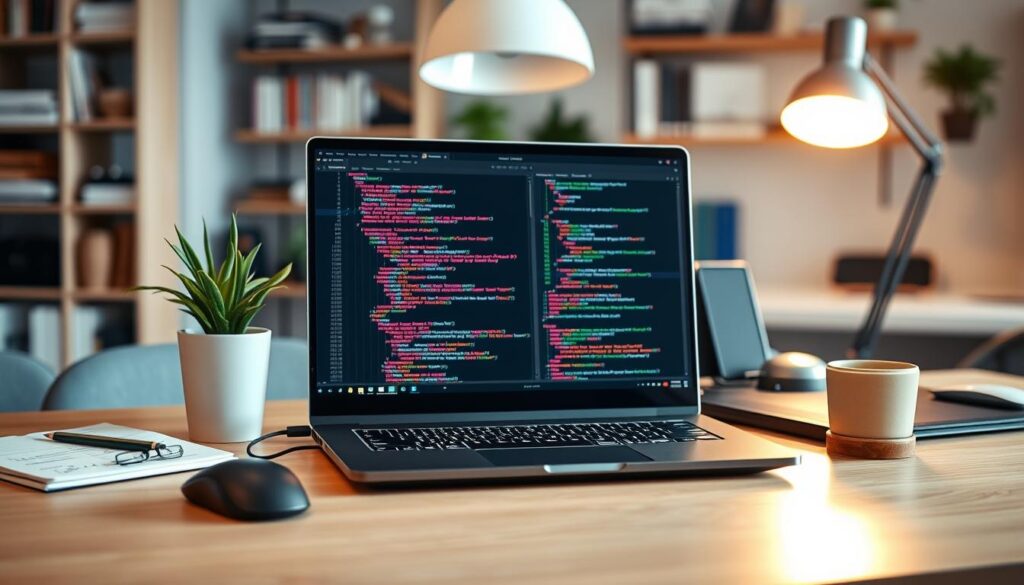
General programming, web development, and app creation often run well on a modern processor, 16GB RAM, and SSD storage. This balance suits many common software tasks, testing, and everyday tools. It gives a developer a responsive machine without excess capacity.
Virtual machines and containers
VMware, VirtualBox, Hyper-V, Docker, databases, and Android Studio can add a heavier load. Developers who run several environments at once may benefit from 32GB RAM or more. Multi-core processors and NVMe storage can also help teams build and test with less delay.
AI, machine learning, and graphics work
Unreal Engine, Unity, computer vision, simulation, and machine learning can use powerful graphics hardware. Advanced machines may combine 32GB or 64GB RAM, a multi-core processor, NVMe SSD storage, and dedicated graphics. Businesses choose equipment by role and project needs, then discuss the right balance with RentLappy. A flexible rental choice can help companies equip teams without paying for unused power.
Choose the Right RAM for Your Software Team
Memory pressure often shows up as slow builds, not a dramatic crash. Start with the tools and tasks each person runs, rather than giving the whole team one standard setup.
When 16GB RAM may meet development needs
16GB RAM can suit basic coding, web development, and standard application development. It works well for many software developers using an editor, browser, and a few everyday apps. This level keeps laptops responsive without excess capacity.
When to consider 32GB or more
Docker, virtual machines, Android Studio, large databases, and many open apps raise memory use. Developers need more headroom when these tools run together. 32GB RAM may help teams switch tasks and test builds smoothly. Advanced AI, data science, or virtualization workloads may call for 64GB RAM, based on app demands.
Check RAM alongside processor speed, SSD storage, and software requirements; memory alone cannot fix an unbalanced hardware setup. Businesses can match each developer’s workload to the right machine before arranging a laptop rental. This keeps the development setup aligned with actual needs.
| Memory tier | Typical tasks | Practical fit |
|---|---|---|
| 16GB | Basic coding and web projects | Everyday laptops and common tools |
| 32GB | VMs, Docker, and large databases | Heavier multitasking across teams |
| 64GB | Advanced AI and data science | Demanding environments, based on app needs |
Select a Processor for Your Tools and Projects
Think of the processor as the engine behind a laptop. It affects how smoothly software, compilers, and development tools run together. A balanced choice can make daily tasks feel more responsive.
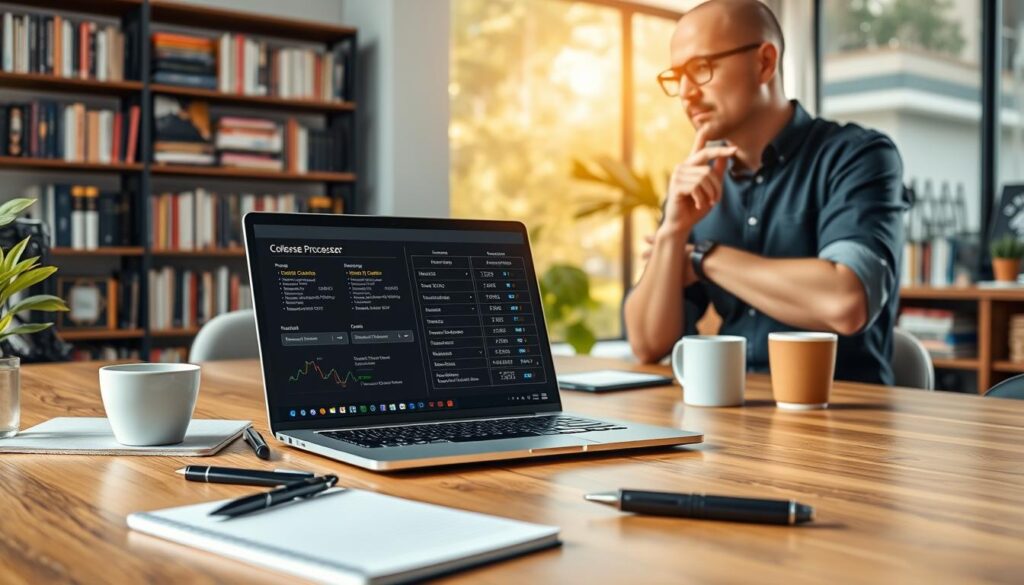
Modern Intel Core, Intel Core Ultra, AMD Ryzen, and Apple Silicon chips suit different needs. A midrange option can handle standard programming and web development, depending on project requirements. This setup may suit one developer working on a typical project.
Large codebases, frequent compilation, virtualization, data processing, and AI can benefit from higher-performance multi-core processors. These tasks place greater demands on hardware, especially when several tools run at once.
Before choosing a laptop configuration, businesses should compare processor capacity with RAM, SSD storage, and the tools each team uses. Match the choice to the workload, then request a rental setup that fits the projects ahead.
| Processor option | Common fit | What to consider |
|---|---|---|
| Intel Core or Core Ultra | General coding and varied tasks | Balance speed and core count |
| AMD Ryzen | Multitasking and heavier builds | Check app and system needs |
| Apple Silicon | Compatible macOS development | Confirm tool support |
Plan SSD Storage Around Code, Data, and Development Tools
A development laptop needs space to hold its operating system, IDEs, SDKs, databases, project files, containers, and other tools. These files can add up quickly, especially when a team keeps several versions of its work.
Many software developers can start with a 512GB SSD. It offers a practical base, though actual requirements depend on workload, project size, and local data needs. Developers who use virtual machines, large datasets, multiple projects, or broad development environments may need 1TB or more.
SSD storage can speed application loading, file transfers, and system response. That can make daily tasks feel smoother, from opening databases to switching between tools. Still, capacity matters: a fast drive can feel cramped when project data keeps growing.
- Estimate space used by code, test files, and datasets.
- Include operating systems, containers, and development tools.
Before arranging a laptop rental, businesses should map project needs and expected data growth. Then match capacity with RAM and the team’s workload. A balanced choice helps each laptop support the work without adding unused capacity.
Consider Windows Laptops and Apple Silicon MacBooks
The right operating system depends on the apps, coding tools, and test setup a project needs. Windows and macOS each support different workflows, so check compatibility before choosing hardware.
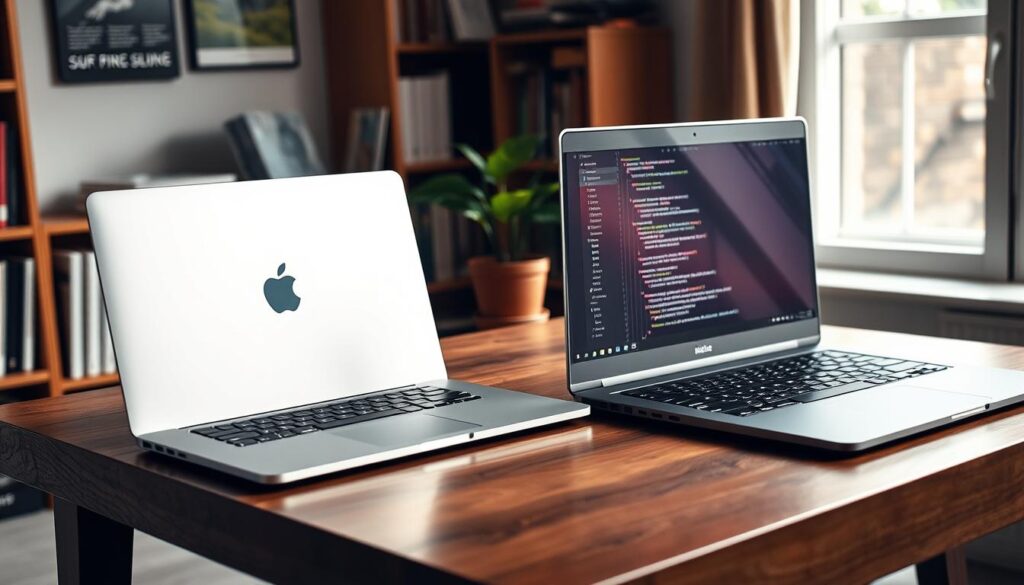
Choose an operating system that fits your development environment
MacBooks can support iOS and macOS development, as well as web and mobile projects and software testing. Apple Silicon is a processor family to consider when a developer’s tools work with that environment. Confirm app support and system requirements before adding a device to a team.
“Match the operating system to the project, then confirm the tools will run as expected.”
- Windows: Check that required software and test systems support it.
- macOS: Consider it when Apple platforms are part of the work.
- Mixed setup: Businesses can discuss Windows laptops, an Apple Silicon laptop, or both with RentLappy.
A mixed team may need more than one device type. Discuss role-specific needs before arranging a rental, so each group gets suitable equipment for development and testing.
Use Laptop Rentals to Equip Startups and Project Teams
A new contract, hiring wave, or temporary office can change equipment needs fast. Flexible access lets a business add capacity as plans shift, then scale back when work winds down.
Scale devices as team sizes change
Startups and software companies can arrange laptops as temporary developers join a project. As headcount changes, teams can adjust device counts instead of keeping unused machines. This helps software teams keep development moving while each role has suitable equipment.
Keep capital free as project needs shift
A rental can cover a project period without locking capital into permanent purchases for every role. Businesses can plan equipment needs around hiring dates, temporary office space, and project needs. This may help control costs when demand rises or falls.
A practical plan can make changing workloads easier to manage. RentLappy serves startups, corporates, freelancers, and educational institutions across India.
- Choose machines to match hiring schedules and development work.
- Add desktops, servers, or networking equipment as needed.
- Scale back after testing or training ends, rather than storing idle devices.
Rent Laptops for Software Testing, Training, and Events
Short-term projects, workshops, and events can create a need for extra devices. In India, a business can use a rental to equip a temporary team without buying machines that may sit idle later.

Build a test setup that fits the project
Testing teams may need different operating systems, browsers, screen resolutions, and hardware configurations. A suitable setup helps developers check how an app behaves across real user environments.
- Use laptops for web application testing, software compatibility testing, browser testing, demonstrations, user acceptance testing, and temporary QA work.
- Match each device to the project requirements and tools in use.
Equip workshops and learning sessions
Companies can arrange equipment for coding workshops, programming classes, developer training, IT boot camps, and technical seminars. Consistent machines help participants follow the same exercises with software suited to each session.
Before booking, list the device count, configurations, project dates, and data-handling needs. A company can then choose a rental that fits its schedule. This gives teams a clear plan for testing or training without adding unused equipment.
| Use case | Setup to confirm | Planning detail |
|---|---|---|
| Application testing | OS, browser, and screen size | Project dates and data needs |
| Training sessions | Consistent devices and required tools | Participant count and schedule |
| Events and demos | Presentation-ready equipment | Venue needs and device quantity |
Explore IT Equipment Beyond Developer Laptops
Some teams need more than personal laptops to keep daily work moving. RentLappy’s wider IT range supports organizations that need shared systems, office infrastructure, or a dedicated learning space.
Its rental range includes laptops, desktops, servers, and networking equipment. This gives developers and business teams a way to plan beyond one device per person.
- Desktops can anchor fixed workstations, training rooms, and other business settings that run software tools.
- Servers can support shared workloads, while networking equipment connects systems and helps teams access resources.
- Personal laptops and mobile devices remain useful when staff need portable access.
Businesses can consider related machines as part of a complete development setup. A team may pair individual computers with shared infrastructure when preparing testing or training sessions.
Before contacting RentLappy, describe the full setup, including quantities and intended use. Do not limit your request to laptop counts alone. A clear overview helps the team discuss suitable options across your workplace.
Review Requirements Before Renting Developer Laptops
A short planning check can prevent delays after equipment arrives. Gather each team’s needs first, then send RentLappy a clear request.
Confirm apps, hardware, and connections
List development software, code tools, and operating system preferences, such as Windows or macOS. Note processor generation and core count, RAM, SSD storage, and graphics needs. Developers need compatible tools, while specialized projects may call for a different machine. Also check screen size and resolution, battery life, Wi-Fi, USB and display ports, and software compatibility. This review helps businesses choose suitable hardware for coding, testing, and training.
Set quantities, timing, and support
Estimate how many machines each project needs, which developers need a custom setup, and the rental period. Include data-handling rules when a device holds client code, credentials, or other sensitive data. Then confirm delivery, maintenance, replacement, and technical support with the company. Clear requirements help your team match equipment to actual work. This gives businesses a practical plan for development projects, without overlooking daily needs.
Discuss Your Laptop Rental Requirements with RentLappy
Share your project details with RentLappy to discuss a setup that fits your work. Include the software, device type, configuration, quantity, and rental period. Clear requirements help the service team understand your needs and suggest options for development, testing, or training.
Call +91-60003 70013 or email sales@rentlappy.com
Call to speak with the team, or email companies’ equipment needs. Developers, teams, and businesses can share their plans and ask about available configurations.
- Phone: +91-60003 70013
- Email: sales@rentlappy.com
- Note any support needs, device counts, and project dates.
This information can help your business plan costs and preserve capital as needs change. Whether you need one laptop or several laptops, a clear request makes the discussion more useful.
Visit RentLappy’s New Delhi office
Visit D-97, Okhla Phase 1, Okhla Industrial Estate, New Delhi – 110020. Reach out with your plans and take the next step toward a suitable setup.
Conclusion
Reliable development starts with a setup that fits each person’s software, tools, operating system, and daily workload—not one standard build across every role. 16GB RAM suits many development tasks, while virtualization and advanced workloads may need 32GB or more. This balance can help teams work with fewer delays as needs change.
Before choosing a laptop, balance processor speed, memory, SSD capacity, graphics, and system compatibility. This helps software developers select laptops that support current projects. Each laptop configuration can reflect a distinct role or operating system, while other laptops may suit separate testing needs.
RentLappy offers accessible, affordable, flexible technology access across India. It serves more than 5,000 customers in metro cities and tier-2 and tier-3 towns. Businesses can discuss equipment needs and rental options with its team.
Contact RentLappy to plan a practical setup and keep your next project moving.