
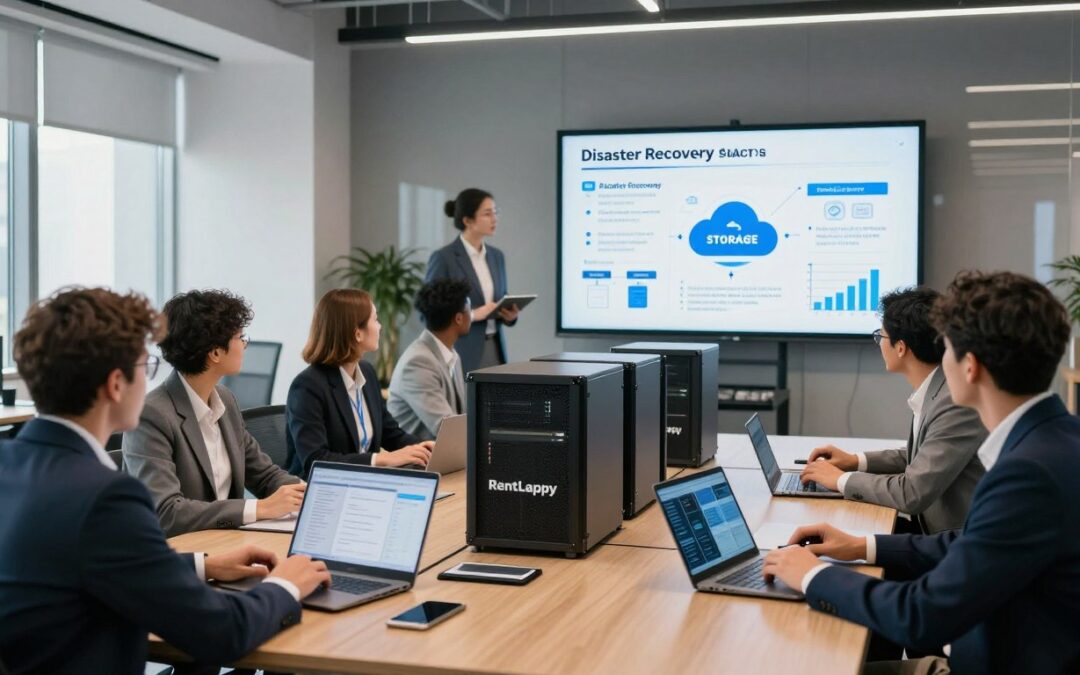
Did you know that nearly 40% of companies fail to reopen after losing their data permanently? This startling fact shows why protecting your business operations is a top priority today. At RentLappy, we help you prepare for the unexpected without spending a fortune on new hardware.
Many Indian firms face threats from power failures to sudden cyberattacks every single day. A sudden disaster can stop your growth instantly. We provide flexible solutions to ensure your work stays safe and online regardless of the crisis.
Building a safety net shouldn’t be hard or expensive for your team. We offer reliable equipment that fits your specific needs perfectly. Fast recovery is possible when you have the right partner on your side.
In this guide, we will explore how to build a solid strategy for your team. You will learn about smart backup methods and how to keep your systems running. Let’s look at how these tools can protect your future.
Key Takeaways
- Protecting your company data is vital for long-term survival.
- Rental hardware saves money by avoiding large capital costs.
- Indian businesses face unique risks like power outages and heat.
- Flexible rental options allow you to scale your safety plan quickly.
- A clear strategy ensures your team stays productive during a crisis.
- We make complex IT setups simple and affordable for everyone.
Understanding Disaster Recovery Planning for Indian Businesses
We believe that every modern Indian company needs to be ready for the unexpected to keep their operations running smoothly. Disaster recovery planning isn’t just a luxury; it is a vital safety net for businesses of all sizes. By creating a clear roadmap, we can protect our digital assets from a sudden disaster.
Operating in a fast-paced market requires us to think ahead. A server crash can grind our work to a halt instantly. Without a plan, we risk losing everything we have built over the years.

What Is Disaster Recovery Planning
We define disaster recovery planning as the systematic process of creating documented procedures. These policies help us recover and protect our IT infrastructure when a crisis hits. It is more than just making copies of files.
It is a comprehensive strategy ensuring business continuity when unexpected events threaten us. We focus on getting systems back online quickly. This keeps our service reliable for our customers.
Common Disasters That Threaten Business Continuity in India
In India, several unique factors can disrupt our daily work. These disasters can happen at any moment. We must prepare for environmental issues and technical failures to ensure operational continuity.
Natural Disasters and Power Outages
Our regions often face heavy monsoons, floods, and cyclones that devastate coastal centers. A frequent outage or a sudden natural disaster can cause a server to shut down improperly. This power instability often leads to data loss or corruption.
We must account for the fragile power grid in many cities. Handling a sudden outage is a key part of any disaster plan. Many disasters in India are weather-related, making offsite storage very important.
Cyberattacks and Ransomware Threats
We see more cybercriminals targeting the average Indian company today. Ransomware can lock up all your critical data and demand high payments. A strong disaster recovery plan is our best defense against these digital disasters.
Hardware Failures and Data Loss
Physical failures are an inevitable reality that we must face eventually. A hard disk failure or aging parts can lead to a permanent loss of info. We need to prevent catastrophic data loss by having redundant hardware ready at all times.
The Real Cost of Downtime for Indian Companies
The financial impact of downtime is huge for any local firm. It can cost businesses thousands to lakhs of rupees every single hour. We also lose customer trust and employee productivity during these periods.
“A robust disaster recovery plan is not about predicting the future, but about being prepared for a disaster before it strikes.”
Investing in a disaster plan is a critical move for our growth. It protects our revenue and our reputation in a competitive market. Here is a look at how different events affect us:
| Event Type | Potential Impact | Critical Need |
|---|---|---|
| Natural Disaster | Physical server damage | Offsite data |
| Outage | Sudden downtime | Backup power |
| Cyberattack | Locked data files | Secure disaster recovery |
We must treat disaster readiness as a priority to stay ahead. It is the only way to ensure our data remains safe and our doors stay open.
Why Disaster Recovery Planning Using Rental Servers Makes Sense

We believe that choosing rental servers for your disaster recovery needs offers a smarter path to resilience without breaking the bank. Maintaining physical backups is often unwieldy and expensive for a modern business. We provide a more convenient service that keeps your data safe without the heavy lifting.
Cost-Effectiveness Compared to Purchasing Infrastructure
Buying dedicated infrastructure for emergencies represents a significant financial burden. These machines often sit idle until they are actually needed. We help you avoid this waste by providing affordable alternatives that save you money.
Flexibility and Scalability for Growing Businesses
Rental solutions allow growing businesses to scale their disaster recovery capacity up or down instantly. You can start small and expand as your data volumes increase. This flexibility ensures your business remains agile while using the right infrastructure for your current size.
No Capital Investment or Depreciation Concerns
Our model eliminates the massive upfront investment required for high-end hardware. Your company can redirect that capital to revenue-generating activities instead. You also avoid the headaches of owning technology or a system that rapidly loses its value over time.
Quick Deployment During Emergencies
Speed is everything when a crisis hits. We deliver and configure servers within days, whereas buying new gear might take weeks. This rapid setup is a crucial advantage for any disaster recovery strategy in a fast-paced market.
Pay-As-You-Go Model Benefits
Our pay-only-for-what-you-use approach provides transparent billing and extreme cost efficiency. Your company only pays for resources during testing or actual emergencies. This model offers long-term savings and financial predictability for your annual budget.
Essential Components of a Server Disaster Recovery Plan
To build a solid disaster recovery plan, we must focus on the core elements that ensure data stays safe and reachable. We believe that a strategy is only as strong as its weakest link. A friendly approach to planning helps us prepare for the worst without feeling overwhelmed.
Backup Systems and Redundancy Requirements
Every effective recovery plan starts with robust backup methods. We need to ensure that systems are redundant so that no single failure stops our work. This means having copies of your data in different environments to keep things moving.
Primary and Secondary Backup Locations
We suggest using both primary and secondary locations for your files. This provides true redundancy for your server. If one site fails due to a local outage, the other remains ready to serve your needs instantly.
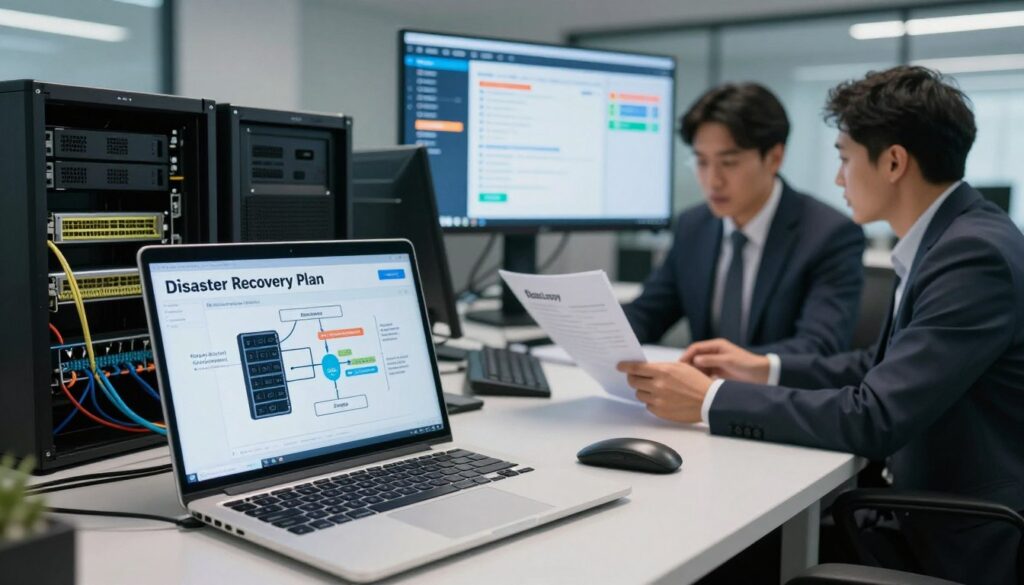
Virtual Server Backups vs Physical Backups
Virtual options are often faster and much cheaper than physical ones. They allow us to restore services in minutes rather than days. However, physical backups might still be needed for specific security or compliance rules in India.
Defining Recovery Time Objective and Recovery Point Objective
We must define our time and data goals clearly. These metrics help us choose the right tools for our plan. Understanding these goals ensures we don’t spend more than necessary while still staying protected.
| Metric | Definition | Business Focus | Recovery Goal |
|---|---|---|---|
| RTO | Max downtime allowed | Time | Minimize disruption |
| RPO | Max age of data lost | Point | Minimize lost work |
Documentation and Accessibility Standards
A comprehensive recovery plan must be easy for anyone to read. We should write it so clearly that even a junior technician can follow the steps. Good documentation is our best friend during a high-stress emergency.
Server Identification and Location Details
We need to list every server name and its exact physical or virtual location. Including network configurations is also vital for a smooth transition. This level of detail prevents confusion when time is of the essence.
Access Credentials Management
We must manage access credentials with extreme care. We store passwords and encryption keys in secure, encrypted vaults. This ensures we can get into our systems without compromising our safety.
Team Roles and Responsibilities Assignment
Every person on our team needs a specific role in the recovery plan. We assign tasks early so there is no doubt about who does what during a crisis. Clear roles lead to a faster and more successful point of restoration.
“A recovery plan is not just a document; it is the lifeline of your business continuity.”
By following this plan, we protect our future and our clients. We stay ready for anything because our data deserves the best protection possible.
Step-by-Step Guide to Implementing DR with Rental Servers
We have broken down the setup of your offsite infrastructure into seven easy-to-follow phases. Building a resilient strategy requires careful thought, but our roadmap simplifies the disaster recovery journey for your team. Let us walk through the essential actions to secure your digital future.
Step 1: Assess Your Business Continuity Needs and Priorities
First, we must evaluate what your company truly needs to survive an unexpected event. We start by categorizing every application to ensure we focus our recovery efforts on the most vital assets first.
Identify Critical Systems and Data
We guide our partners through identifying systems that are absolutely essential, such as customer databases and financial platforms. It is vital to separate these from non-essential tools that can wait a few days for continuity to be restored.
Determine Acceptable Downtime Limits
We help you calculate the financial impact of every hour your systems are offline. By setting a clear time limit for recovery, we can design a plan that matches your specific budget and operational goals.
Step 3: Choose the Right Rental Server Configuration

Selecting the right hardware is the next major milestone in our process. We ensure that your chosen server can handle the actual workload of your production environment during a crisis.
Matching Server Specifications to Your Workload
We analyze your CPU, RAM, and storage requirements to ensure the rental hardware performs perfectly. This prevents bottlenecks when you need to execute a failover and move your operations to the backup site.
Short-Term vs Long-Term Rental Considerations
We weigh the benefits of flexible short-term agreements against the cost savings of long-term commitments. For many businesses in India, a long-term rental provides the most stable infrastructure for a permanent disaster recovery solution.
Step 3: Decide on Your DR Site Location
The physical location of your secondary site is a critical decision for any business continuity strategy. We look for locations that offer the best balance of accessibility and safety from regional disasters.
Co-Location Facility Benefits
We often recommend co-location facilities because they provide enterprise-grade security and redundant power. These professional centers allow your IT staff to reach the server quickly while ensuring 24/7 monitoring from a reliable provider.
Remote Office Site Options
If you have existing warehouses or branch offices, we can repurpose these spaces to save money. While cost-effective, we must ensure these locations have the proper cooling and power to protect your data.
Geographic Distance Considerations
We emphasize placing your backup site far enough away to avoid the same local power outages or floods. A distance of at least 50 to 100 kilometers is usually ideal to keep your data safe during a regional crisis.
Step 4: Set Up Your Backup Infrastructure
Once the hardware is in place, we focus on moving your data securely and consistently. A strong plan relies on automated processes that reduce the risk of human error.
Configure Automated Backup Schedules
We set up automated routines that run during off-peak hours to avoid slowing down your business. This ensures your recovery points are always up to date without interrupting your daily time-sensitive tasks.
Implement Incremental Backup Systems
To save bandwidth, we use systems that only copy the information that has changed since the last update. This makes the recovery process faster and significantly reduces the load on your network.
Step 5: Establish Network Connectivity and Replication
Stable connectivity is the glue that holds your disaster recovery strategy together. We must ensure that the primary office and the rental server can communicate without any lag.
MPLS and VPN Connection Setup
We utilize MPLS or encrypted VPN tunnels to create a private bridge between your locations. This keeps your sensitive information secure while it moves across the internet to the backup site.
Bandwidth Requirements for Data Replication
We help you calculate the exact network speed required to sync your files in real-time. Having the right bandwidth ensures that a failover happens instantly when you need it most.
Step 6: Document Your Recovery Procedures in Detail
We create detailed “runbooks” that act as a manual for your IT department during a crisis. Every step of the recovery must be written down so that anyone on the team can restore the systems quickly.
Step 7: Train Your Team on Failover Processes
Finally, we conduct hands-on training sessions to ensure your staff feels confident using the rental hardware. Regular practice runs help us identify gaps in the plan before a real emergency occurs.
Backup Strategies and Best Practices Using Rental Servers
We believe that a strong disaster recovery plan starts with how you handle your daily data backups. We know that simply saving files is not enough to guarantee business continuity. By using rental server options, we can build a layered defense that keeps your information safe from any threat.
Every business needs a clear path to follow when tech fails. We focus on creating a resilient environment that minimizes downtime. This involves choosing the right tools and keeping them updated in a secure place.
Implementing Onsite and Offsite Backup Solutions
We recommend keeping multiple layers of protection so no single point of failure can ruin your progress. This strategy involves storing your information in at least two different physical locations. Having a backup both locally and remotely ensures you are prepared for any event.
The Dangers of Cloud-Only Strategies
Many small businesses try to save money by leaving everything up to the cloud. However, even major providers like Amazon S3 have experienced outages that lasted for hours. Relying only on the cloud is not a complete disaster recovery plan on its own.
Hybrid Backup Approaches
We advocate for hybrid models that use local storage for fast recovery. You should pair these with offsite rental server copies. This mix protects you against site-wide disasters while allowing quick access for minor errors.

Setting Up Automated Incremental Backups
Automation is key to staying current without making manual errors. We suggest using software that only captures changed data to save time and bandwidth. This process keeps your records fresh without slowing down your network.
Preventing Configuration Drift
Production systems often change while older backups stay the same. This “configuration drift” makes recovery difficult because the settings no longer match. Our software helps detect these changes early to avoid surprises.
Maintaining Living Backups
We create “living” backups by scanning your server environment frequently. This keeps your secondary site in sync with your active production data. It ensures that you always have a working copy ready for use.
“Cloud-based services are powerful tools for backup, but don’t absolve businesses of backup responsibility—cloud is not a disaster recovery plan in itself.”
Network Isolation for Security
To keep your files safe, we keep them off the main network when possible. This prevents threats from spreading easily between different machines. High security depends on keeping your most vital copies separated.
Protecting Backups from Ransomware
Cyberattacks often target connected storage first to prevent you from restoring files. We use air-gapped methods to ensure ransomware cannot access your recovery files. This keeps your backup sets clean and usable.
Access Control Implementation
Limiting access is a vital step in our security routine. Ideally, only one or two trusted people should have the right to modify these files. We log every attempt to enter the server to maintain a clear audit trail.
| Strategy Type | Recovery Speed | Security Level |
|---|---|---|
| Local Storage | Very Fast | Moderate |
| Rental Server | Fast | Very High |
| Public Cloud | Variable | High |
Testing, Monitoring, and Maintaining Your Disaster Recovery Plan
We believe that a disaster recovery plan is a living document that requires constant attention to stay effective. Setting up rental servers is a great first step, but we must ensure they remain reliable through consistent oversight. Maintenance is the key to true resilience.
Establishing a Regular DR Testing Schedule
Regular testing helps us verify that our strategy works during a real crisis. We suggest a schedule with quarterly drills where teams practice failing over to backup units. This helps identify gaps before an emergency occurs.
Tabletop exercises offer a lighter alternative for our team. We walk through scenarios to find process issues without causing actual downtime for any primary system.

Monitoring Server Health and Performance
Continuous monitoring keeps your recovery plan ready for action at any time. We track CPU usage and disk space so minor issues do not turn into major failures. Our IT staff should replace components before they break to avoid preventable crashes.
Automated Monitoring Tools
Tools like Nagios keep a close eye on our business environment 24/7/365. These services ensure we stay protected against hardware faults that could ruin a plan.
Heartbeat Monitoring Systems
A heartbeat system checks if a server is responsive. If it fails, we want to know right away so we can start the recovery process immediately.
Updating Your Plan as Your Business Evolves
Our business needs change, so our plan must change too. We recommend reviewing procedures annually to account for new applications or increased data. This ensures the recovery plan stays relevant to your current infrastructure.
After every testing event, we update our files based on lessons learned. This cycle makes our overall recovery capabilities stronger. Regular audits help us reduce downtime and improve our disaster recovery plan.
| Maintenance Activity | Frequency | Primary Goal |
|---|---|---|
| Full Failover Drill | Semi-Annually | Verify testing results |
| Heartbeat Monitor | Continuous | Cut recovery time |
| Document Audit | Annually | Update disaster recovery plan |
How RentLappy Supports Your Disaster Recovery Planning
We understand that maintaining business continuity is a top priority for modern Indian companies. As a trusted provider of high-quality equipment, our company ensures your infrastructure stays resilient against any threat. We deliver the technology and rental services you need to stay operational.
Our Server Rental Solutions Across India
We offer comprehensive solutions tailored for high-stakes environments. Our team acts as a reliable provider of enterprise-grade servers and networking gear. We help you safeguard your critical data with hardware configured to your exact specifications.
Fast Deployment and Nationwide Service
We pride ourselves on our rapid service and ability to ship gear anywhere in the country. This fast disaster recovery service helps businesses minimize downtime. You can expect a quick, professional service that gets your backup site running almost instantly.
Flexible Rental Terms for DR Scenarios
Every customer has unique needs, so we provide flexible rental services that fit your budget. Our user-centric disaster recovery solutions offer the support you need to thrive. Our customer support team assists with setup to ensure your rental services run smoothly.
Ready to secure your operations? Get in touch with us at our New Delhi office: D-97, Okhla Phase 1, Okhla Industrial Estate, New Delhi – 110020. You can call us at +91-60003 70013 or email sales@rentlappy.com for reliable services today.
Conclusion
Implementing a robust disaster recovery plan using rental servers is the smartest way for Indian businesses to stay resilient today. We summarize that these rental solutions represent a cost-effective path for any business seeking to protect critical data. This recovery plan effectively shields your business continuity from disasters like a sudden power surge or outage.
By using a rented server, companies avoid heavy capital spending while ensuring safety at a remote site. Your recovery plan should include clear recovery goals and regular testing of all systems. High downtime costs can hurt your employees and your brand much more than the cost of the plans themselves.
A disaster like a cyberattack or hardware failures can happen at any time without warning. We recommend a hybrid approach using cloud storage or offsite site options to prevent total loss. Effective plans require constant updates as your company grows and your specific needs change.
Every day without a plan in place is a risk for significant data loss and lost time. We believe that reliable protection starts with a good plan accessible through flexible plans. RentLappy provides the recovery tools and server options to keep your continuity strong.
Contact us today to discuss how our infrastructure can support your recovery budget and cloud requirements. Let us help you minimize downtime for your employees and secure your data. Our plans ensure your recovery is fast, protecting your data from a major financial loss after a disaster.
We invite you to take action now and finalize your disaster recovery plan or updated recovery plan. Our team is ready to provide the plans needed for total peace of mind.