
Could trying a larger screen before buying change your daily routine?
RentLappy makes technology accessible, affordable, and flexible across India. Its monitor rental service helps startups, corporates, freelancers, and educational institutions find equipment that fits their needs. More than 5,000 customers in metro cities and tier-2 and tier-3 towns have chosen the company.
With monitor rental, you can test screen size before making a long-term investment. A bigger display can make daily remote tasks easier. Bengaluru options include HD 21.5-inch and Full HD 24-inch and 28-inch models. Hyderabad choices range from 18.5 to 28 inches.
RentLappy’s founders bring over 12 years of IT and electronics experience. You can rent a computer display, compare products, and plan a setup that suits your space. This guide covers options, costs, deposits, delivery, and rental terms, so you can choose a service with confidence.
Key Takeaways
- Test screen size before buying.
- Compare display sizes in Bengaluru and Hyderabad.
- Review costs, deposits, delivery, and terms.
- Choose equipment that fits your daily needs.
- Explore flexible technology access across India.
Why Choose monitor rental for work from home in India?
A second display can give busy days more breathing room. Keep documents, video calls, and apps visible at once instead of switching windows. Hyderabad options range from 18.5 to 28 inches, so you can match screen space to your desk area.
Make room for daily tasks
Bengaluru listings include HD 21.5-inch and Full HD 24-inch and 28-inch models. Compare each size with your desk before choosing. A second screen can suit office work, personal use, gaming, or an extended-display setup.
Keep short-term costs in view
Renting can avoid a large upfront purchase when a remote project or changing business need calls for a temporary setup. RentLappy serves freelancers, startups, corporates, and educational institutions across India. Weigh the rental cost against buying, then ask about delivery and support before booking. This flexible option can help you test a setup without making a long-term investment.
| Need | Option to consider | Why it may fit |
|---|---|---|
| Compact desk | 18.5- or 21.5-inch screen | Uses less desk space |
| More visible content | 24- or 28-inch screen | Leaves room for several apps |
| Temporary project | Short-term rental | Limits upfront spending |
Choose the Right Monitor for Your Home Office
Start with your daily tasks and desk space. RentLappy lists sizes from 19 inches to a 32-inch Full HD model, giving you options for compact desks and larger workstations. Measure your area before choosing a screen, and consider how many apps or windows you need to see at once.
Compare sizes and display types
Listed products include 19-, 22-, and 27-inch models with VGA and HDMI ports. The 24-inch and 32-inch Full HD choices offer a 100 Hz refresh rate. Hyderabad listings also describe LED and LCD display types. Availability may vary by location, so confirm current options with RentLappy.
Check specs and computer compatibility
Match resolution, refresh rate, and ports to your computer before you request a quote. A computer monitor rental may suit office tasks, while gaming can call for different display needs. Check that your computer supports the connection you select.
- Compare size and resolution with your daily needs.
- Confirm VGA or HDMI support and local stock.
- Ask RentLappy which setup fits your intended use.
Review the specifications before you rent. This helps you choose a rental service and product that suit your space, tasks, and budget.
Monitor Rental Costs, Deposits, and Plan Options
Charges can vary by screen size, rental period, and quantity. Longer terms may lower the monthly cost, while delivery distance can add fees. Compare flexible plans with a purchase investment, then request a current quote based on your location and needs.
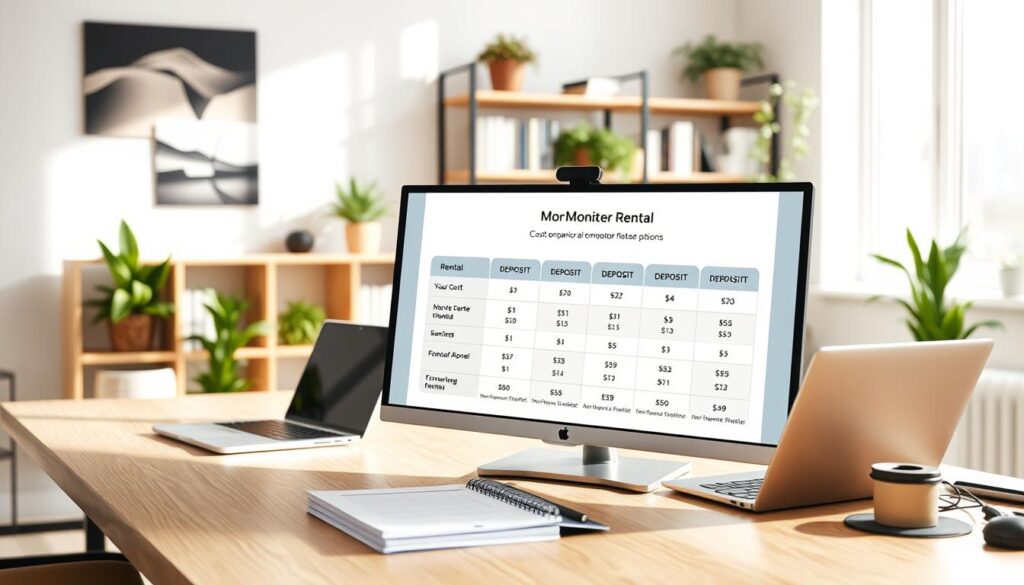
Check the full price before you book
Sample listings show how size and duration affect the price. A 19-inch option costs ₹1,600–₹1,800 per month, with a ₹2,000 refundable deposit. A 24-inch Full HD, 100 Hz model lists at ₹2,200–₹2,600 monthly or ₹1,200–₹1,400 per day, with a ₹3,000 deposit.
A 32-inch Full HD, 100 Hz option lists at ₹3,500–₹4,000 monthly or ₹2,000–₹2,400 daily, with a ₹4,000 deposit. These are comparison figures, not confirmed RentLappy rates. Ask whether delivery, maintenance, or other fees apply. Confirm all terms before you rent a computer monitor for your office or business needs.
| Listed size | Sample price | Refundable deposit |
|---|---|---|
| 19-inch | ₹1,600–₹1,800 per month | ₹2,000 |
| 24-inch Full HD, 100 Hz | ₹1,200–₹1,400 per day; ₹2,200–₹2,600 monthly | ₹3,000 |
| 32-inch Full HD, 100 Hz | ₹2,000–₹2,400 per day; ₹3,500–₹4,000 monthly | ₹4,000 |
Set Up a Monitor for Remote Work, Training, or Gaming
A smooth setup starts with a few checks. Measure your desk area, then compare its space with the listed 24-inch and 32-inch Full HD options. A home workstation should leave room for your keyboard and daily needs.
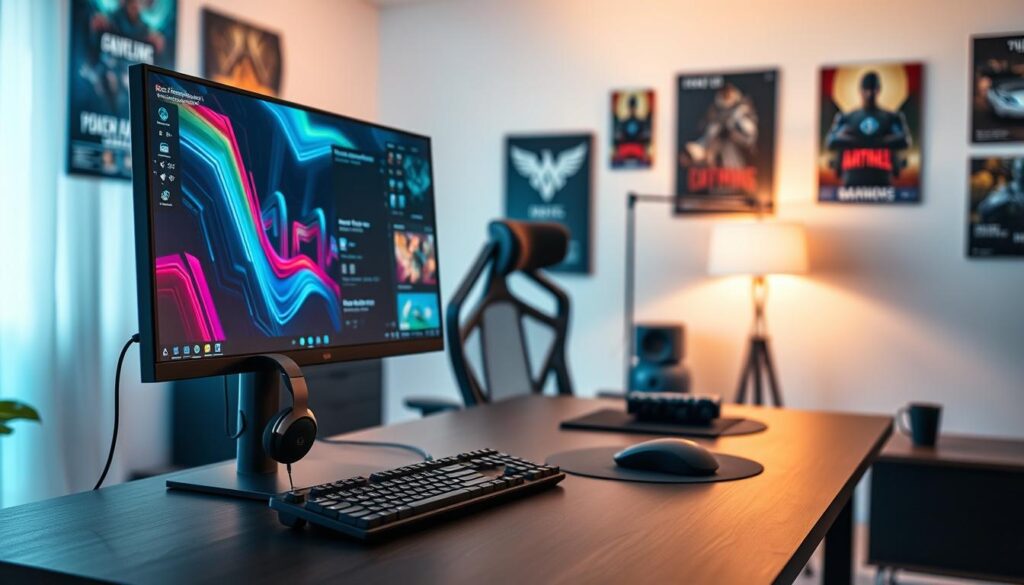
Plan your space and connections
A multi-display setup can keep apps in view. Extended-display setups may also support video editing projects and training. Before you rent, check your computer’s ports and the equipment’s connection needs.
- Listed 19-, 22-, and 27-inch models include VGA and HDMI ports. Match one to your computer.
- The 24-inch and 32-inch Full HD models list a 100 Hz refresh rate. Size and refresh rate can matter during gaming.
- LED screens may suit gaming, tournaments, trade shows, events, and exhibitions. Confirm delivery timing and setup details when you request monitor rental options.
These listed specs offer a starting point, not a one-size-fits-all answer. Check your own equipment before choosing a display. Whether you need one screen or several, select a setup that suits the space and planned use.
| Listed option | Connection or spec | Setup check |
|---|---|---|
| 24-inch Full HD | 100 Hz | Measure desk clearance |
| 32-inch Full HD | 100 Hz | Confirm viewing space |
| 19-, 22-, or 27-inch | VGA and HDMI | Match the port to your computer |
Flexible Rental Periods, Delivery, and Support
Choose a period that matches your project, training session, or office setup. One provider lists daily, weekly, and monthly plans, with terms spanning one day to one year. A Hyderabad listing offers one-, three-, six-, and 12-month examples. These options can suit a short event or longer use, including a home office setup.
Match the plan to your project
A short monitor rental may suit a training need, while a longer period can help with ongoing projects. Compare flexible plans and ask RentLappy which products and availability fit your needs.
Confirm logistics and assistance
Ask RentLappy to confirm service area, delivery timing, and pickup details. One source says delivery often takes 12 to 24 hours, subject to stock and location, so confirm the estimate with the team. Also ask who handles maintenance and technical help, and whether extra charges apply.
Soumajit Giri’s review mentions efficient delivery and pickup. That customer experience is useful context, but arrangements may vary. Confirm the current details before you book.
Why Rent a Monitor from RentLappy?
Choosing a trusted provider can make a tech setup easier to manage. RentLappy’s founders bring more than 12 years of IT and electronics experience. The company serves startups, corporates, freelancers, and educational institutions across India.
Get flexible options backed by industry experience
Its technology rental range includes laptops, desktops, servers, and networking equipment. These products help teams meet changing business needs. You can rent equipment for a project, an office, or growing workstations.
Connect with a partner serving customers nationwide
RentLappy serves more than 5,000 customers across metro cities and tier-2 and tier-3 towns. Availability can vary by location, so ask the team about the computer monitor rental service and current options. You can also compare monitors for daily tasks or gaming.
Before booking, confirm that the display suits your computer and intended use. Ask about delivery, maintenance, and support, plus the service terms that apply in your area. A second monitor rental option may suit a changing setup, while a flexible rental can help match equipment to your plans.
Request a Monitor Rental Quote from RentLappy
Share a few details to get a useful quote. RentLappy can check stock, delivery, and service coverage, then suggest products that fit your setup and timing.
Share your location and setup details
Include your city, intended work use, required screen size, connection needs, and preferred rental period. Note whether you need a setup at home, during training, or at events. Ask about LED options, available screens, flexible plans, and total charges. These details help match the display to your needs.
Contact the RentLappy team in Okhla, New Delhi
Visit RentLappy at D-97, Okhla Phase 1, Okhla Industrial Estate, New Delhi – 110020. Call +91-60003 70013 or email sales@rentlappy.com to ask about computer monitor rental and local availability.
After you receive a quote, confirm the booking and ask which documents, payment terms, delivery arrangements, or other steps apply. The team can clarify each requirement before you proceed. A clear request helps RentLappy assess suitable options for a short event or longer setup.
Conclusion
Build a calmer setup by matching screen size, display specs, ports, and desk space to your daily use. Options range from 19- to 32-inch monitors, so you can choose a size that suits home tasks.
Costs depend on screen size and term. A listed 24-inch Full HD, 100 Hz model carries a ₹3,000 refundable deposit. Check delivery, pickup, maintenance, and support terms directly, since service plans differ.
RentLappy says it serves more than 5,000 customers across India, backed by 12+ years of industry experience. Its aim is accessible, affordable, flexible technology access.
Contact the New Delhi team with your location, required specs, and preferred rental period. Ask whether monitor rental or monitor rent plans suit your work setup.