
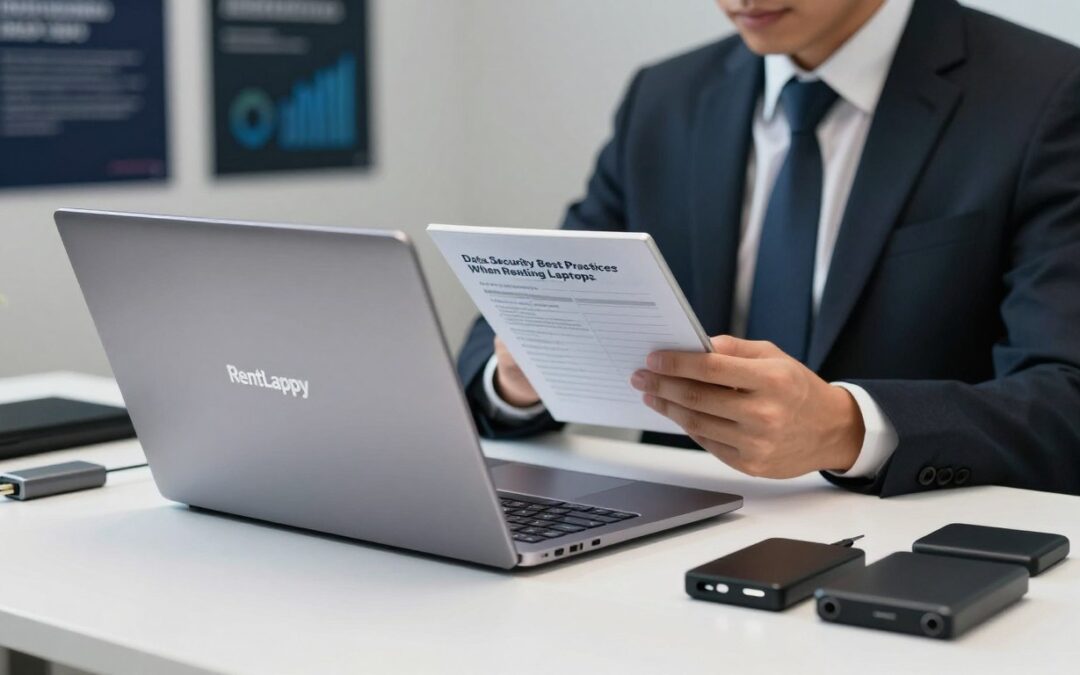
Did you know that nearly 70% of successful cyberattacks begin on endpoint devices? As your team moves between office hubs and remote setups, having flexible hardware is vital for every growing business.
We provide high-quality laptops to help you scale quickly and efficiently. Based in New Delhi, RentLappy serves businesses, startups, and schools across India with reliable tools for any project duration.
Choosing rental services offers great flexibility, but protecting your digital files remains a top priority. Following proper data safety habits ensures that your private records stay safe during your laptop rental period.
We believe that keeping info safe is a shared job between us and our clients. By choosing a trusted rental partner, you get a solid start with clean hardware and expert technical support.
This guide helps you master protection for your equipment. We will show you how to maintain high security standards effortlessly while enjoying a flexible rental experience.
Key Takeaways
- Understand the shared safety model for your hardware.
- Choose a trusted provider based in New Delhi for better support.
- Clear all private files and accounts before returning equipment.
- Use robust software to guard your sensitive information.
- Benefit from high-quality IT tools available across India.
- Maintain high safety standards even for short-term projects.
Why Data Security Matters When You Rent a Laptop
Renting hardware is convenient, but we must stay vigilant about the sensitive information we process on these devices. Because rental laptops are shared, they pass through many hands over time. This makes it vital to prevent unauthorized access to your private files.
Many businesses worry about whether a previous user can still see their files after they log out. From financial records to proprietary code, your sensitive data deserves the best protection possible. We want to ensure that no one else can see what you are working on during your project.
We must ensure that our files do not linger after we return the device to the provider. A breach in data security isn’t just a small glitch in the system. It can lead to real financial losses and damage your professional reputation in the industry.
Thankfully, following various security protocols makes these risks very manageable for everyone involved. By choosing a trusted rental provider, we can enjoy flexibility without compromising on our safety. Let’s keep our data safe while using these powerful laptops for our daily tasks.
Install and Update Security Software on Rental Devices
We always recommend that your first step with any rental should be installing reliable defense programs. Setting up a strong defense ensures your work stays private and safe from digital threats. One of the first steps when renting a laptop is to install reliable security software including antivirus programs and anti-malware tools.
These programs help protect your files from various threats like viruses and hacking attempts. We must ensure that every rented unit has active firewalls to block unauthorized network access. According to experts, keeping your software up to date can prevent up to 85% of breaches.
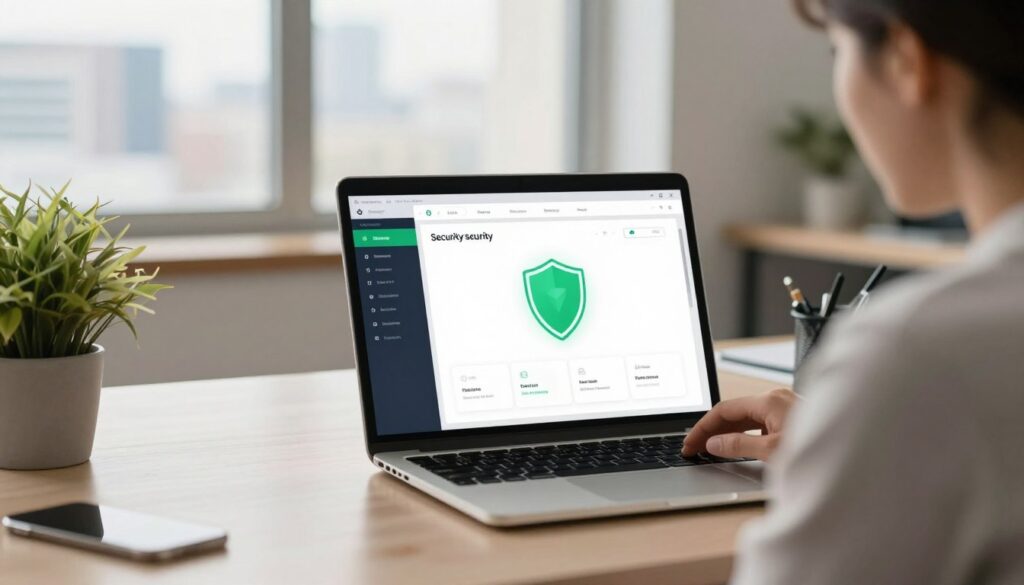
Outdated software can leave your hardware vulnerable to new threats. We want to help you stay ahead of these risks by making protection a top priority. Setting a routine for checking your defenses is a great habit for everyone.
We should also be aware that many breaches happen simply because of missed patches. It is one of the easiest ways to stay safe while working remotely. Using a rental doesn’t mean you should lower your guard. Let us look at how to pick the right programs for your needs to keep everything running smoothly.
“Keeping software updated is one of the easiest yet most effective data security practices to implement for any user.”
Choose Comprehensive Security Solutions
Choosing the right defense pack is essential for any device. We suggest picking software that offers full coverage for your daily tasks. Look for a mix of antivirus and real-time scanning tools to catch malicious files early.
It is better to have a complete suite rather than separate, small programs. This approach makes managing your digital security much simpler and more effective. We always look for software that does not slow down the machine while keeping us safe and productive.
Keep All Security Tools Up to Date
Keeping your digital tools current is vital for long-term safety. We suggest setting up automatic updates for operating systems and all installed apps immediately. This ensures you never miss a critical patch that hackers might exploit.
Regular updates do more than just fix flaws; they often improve performance too. Staying current helps you enjoy the latest features while keeping your data locked away from prying eyes. We recommend checking for new versions every morning when you log on.
| Update Type | Main Benefit | Urgency Level |
|---|---|---|
| Operating System | Fixes core system bugs | Critical |
| Security Software | Defends against new malware | Very High |
| Web Browser | Protects online activities | High |
Use this simple checklist to stay on top of your defense maintenance:
- Check for updates the moment you start the laptop.
- Enable the auto-update feature in the settings menu.
- Verify that the software is up to date before handling bank details.
Implement Strong Authentication Methods
When we use rental hardware, the first step in our security journey involves locking down access points. Implementing strong authentication practices ensures that only the right user can reach sensitive files. We must protect our company assets by treating these devices with the same care as our permanent office gear.
Create Strong, Unique Passwords
Passwords serve as our first line of defense against unauthorized access. We should create unique codes for every system we use on a rental laptop. A strong password includes at least eight characters with letters, numbers, and symbols.
We recommend using a password manager to store these details securely. This habit follows modern best practices for digital safety. It is also vital that we never share admin credentials with temporary staff to keep our data safe.
Enable Two-Factor Authentication Across All Accounts
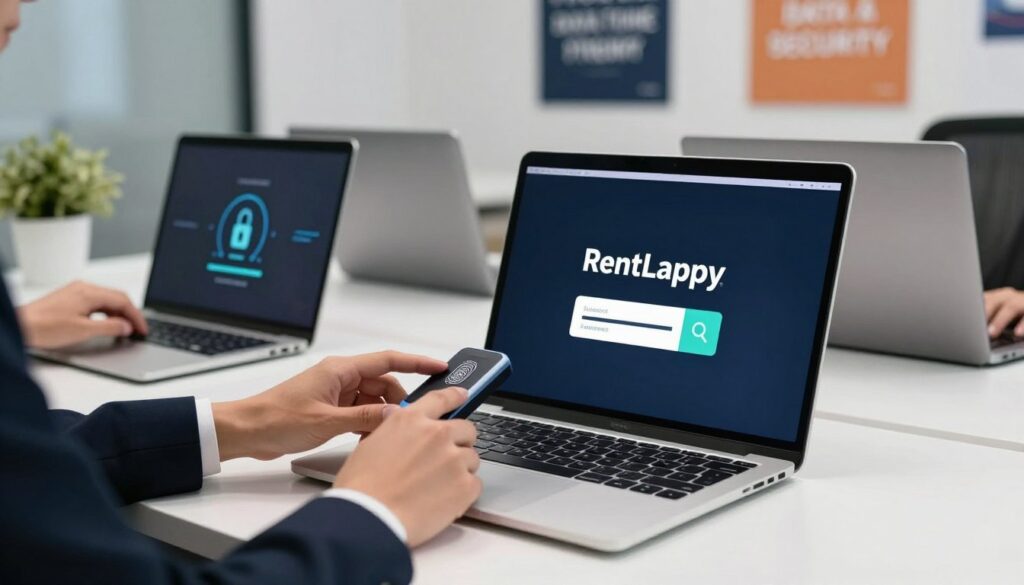
We can add another layer of protection by enabling two-factor authentication (2FA). This method requires a user to provide two verification steps before they enter an account. Usually, this means combining a password with a code sent to your phone or a fingerprint scan.
Even if a hacker steals your password, they still cannot access your data without that second step. We suggest turning on 2FA for email, cloud storage, and business apps. This simple step significantly boosts the security of our data on any rental laptop.
| Method | Security Level | Best Use Case |
|---|---|---|
| Strong Passwords | Basic | Personal system accounts |
| SMS-based 2FA | Moderate | General web applications |
| Authenticator Apps | High | Critical company business data |
| Biometric Scans | Advanced | Unlocking physical rental devices |
Data Security Best Practices When Renting Laptops: Storage and Backup
Safeguarding your digital workspace requires a smart approach to where you save your important files. We must be intentional about our storage habits to keep our sensitive assets away from prying eyes.
Use Cloud Storage Instead of Local Drives
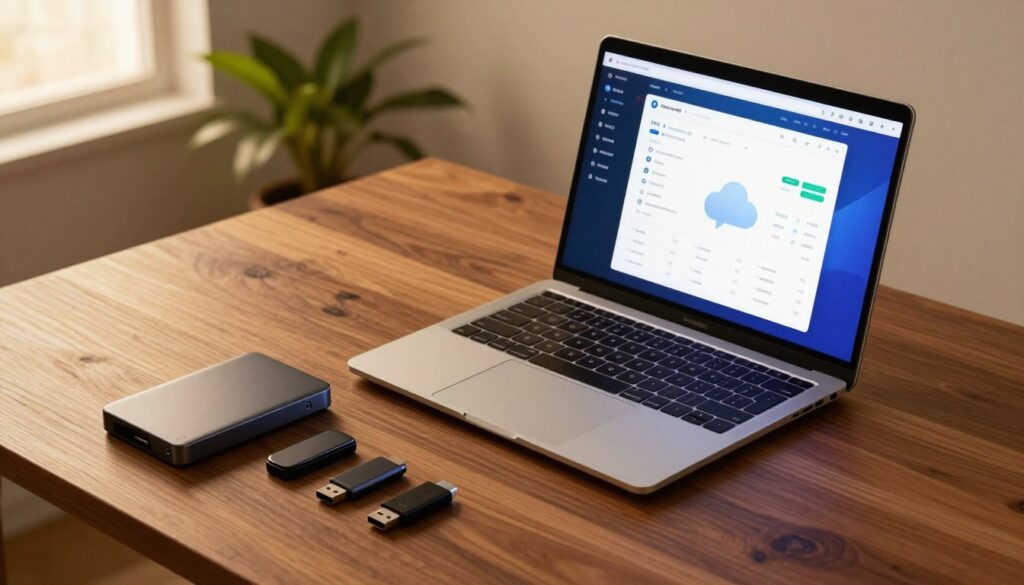
Try to avoid storing sensitive information directly on the rented laptop. Instead, we suggest using secure cloud solutions like Google Drive, Dropbox, or OneDrive.
Storing your files on these platforms makes it much easier to wipe devices clean before you return them. If you must use the hard drive for sensitive items, ensure the data is fully encrypted. This keeps your local hardware empty and your business safe.
Implement Regular Backup Schedules
According to a study, 30% of people have never backed up their data.
Establishing consistent backup routines protects us against loss from hardware failure or malware attacks. We follow the 3-2-1 rule: three copies of files, on two different media, with one copy offsite.
Regularly backing up your work on the laptop ensures your business stays productive during unexpected events. These practices provide peace of mind by keeping your important data accessible anywhere. We recommend setting up automated schedules to ensure your work is copied without manual effort.
| Method | Security Level | Best For |
|---|---|---|
| Cloud data | High | Ongoing collaboration |
| External Drive | Medium | Large media assets |
| Local storage | Low | Temporary offline work |
Encrypt Your Data and Secure Your Connection
When we use a borrowed computer, keeping our files locked and our internet link private becomes a top priority. We often overlook how easily others can peek at our files or track our web traffic in public spaces. By taking a few proactive steps, we can ensure our digital workspace remains private and safe.
Enable Disk Encryption on Rental Laptops
We recommend turning on built-in tools like BitLocker for Windows or FileVault for macOS as soon as you get your machine. This encryption process effectively scrambles your data, making it totally unreadable to anyone without the correct decryption key.
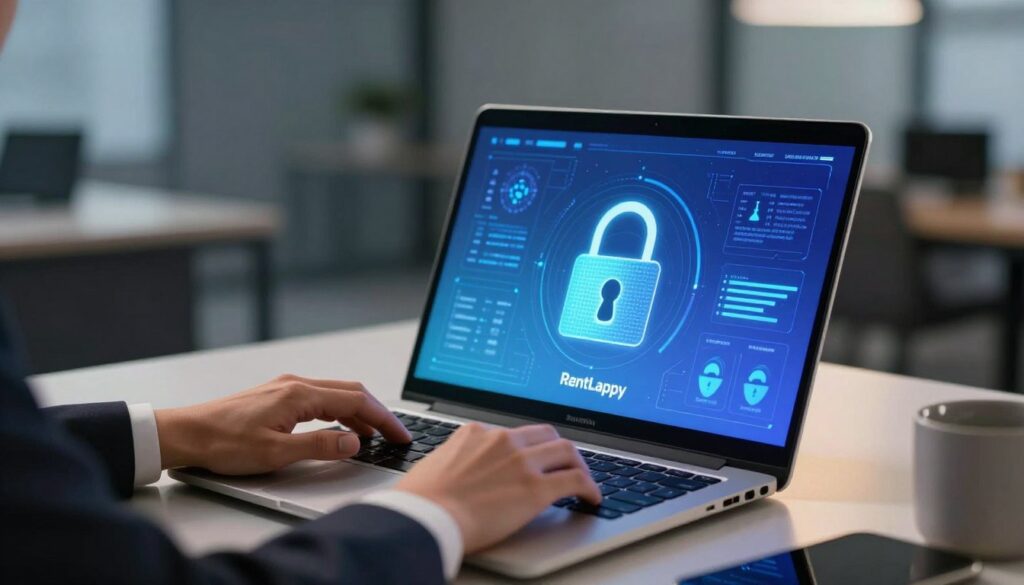
Even if the laptop is lost or stolen, your private files stay safe from prying eyes. It is a vital step for data protection on any rental device. Always verify these built-in systems are active before you store local data.
Use VPNs for Secure Internet Access
Public Wi-Fi in Indian coffee shops or busy airports can be quite risky for our privacy. We suggest using a Virtual Private Network (VPN) to create a secure “tunnel” for your internet access. This tool hides your online activities and maintains security when you reach company networks.
It ensures that our remote teams keep high security standards from any location, whether at a hotel or a home office. Investing in a reliable VPN is a small price for the massive peace of mind it provides for our data.
| Security Tool | Main Function | Best Used For |
|---|---|---|
| BitLocker | Disk Scrambling | Local file safety |
| VPN | Encrypted Tunnel | Public Wi-Fi usage |
| FileVault | Volume Locking | macOS users |
- VPNs encrypt all outgoing traffic on public networks.
- They protect business transactions and sensitive emails from eavesdroppers.
- Reliable services are affordable and very easy to set up on rental units.
“Encryption is the most effective way to achieve data security in a world where physical device control isn’t always possible.”
Clear and Wipe Data Before Returning Rented Devices
Finalizing your rental period requires more than just packing the machine back into its original box. We often forget how much of our digital life stays on a machine after use.
Before returning rented units, we must ensure every trace of our activity is gone. It is our duty to protect our sensitive files from anyone who might handle the unit next. We recommend a systematic approach to ensure your privacy.
Sign Out and Clear Browsing History
We always suggest that you log out of all personal and work accounts manually. Don’t just close the tab; use the Sign Out button to clear active sessions.
Then, go into your browser settings and clear your cookies and cached images. This simple step prevents others from accessing your accounts or tracking your activity.
When we leave a laptop with saved passwords, we invite significant risks to our privacy. We must clear all temporary records before returning rented hardware to the provider.
Execute a Comprehensive Data Wipe
Simply deleting a file does not mean the data disappears forever. To keep your privacy intact, we recommend a full factory reset on rented devices.
This process restores the laptop to its original state by removing all files and applications. We must ensure no sensitive data remains hidden in deep folders or temporary directories.
A complete wipe makes your information irretrievable even with special tools. Using rented devices requires us to ensure our data remains secure before the contract ends. Finally, we must verify that all devices are clean and all personal data is removed.
| Security Task | Privacy Impact | Data Safety Level |
|---|---|---|
| Log Out of Apps | Prevents Account Access | Medium |
| Factory Reset | Removes All Files | High |
| Wipe Rented Devices | Clears Deep Storage | Very High |
| Final Verification | Ensures No Data Stays | Critical |
Choose a Trusted Laptop Rental Provider with Security Standards
Finding a reliable rental provider that prioritizes your sensitive information is the final step in a secure workflow. When you explore laptop rental services in India, you need a partner that understands modern cyber threats.
Choosing the right laptop rental company ensures your daily operations remain safe and efficient. We believe that your hardware should be a shield, not a vulnerability for your organization.
What to Look for in a Secure Rental Provider
Top-tier rental services follow global protocols for data protection to keep you safe. Professional companies use sanitization tools like DoD 5220.22-M to wipe drives before any rentals reach a new customer.
We recommend choosing a rental provider that always installs a fresh operating system for every client. This process removes all traces of previous usage and hidden malware. You should look for rental solutions that offer genuine, business-grade hardware rather than refurbished systems.
Legitimate rental services also include security clauses in their contracts to give you peace of mind. These agreements help companies ensure that private data stays confidential during all technical operations. Always verify if the provider adheres to strict handling and logistics standards.
Why RentLappy Ensures Your Data Security
As a trusted rental provider, RentLappy offers the high-quality laptops business owners can truly trust. Based in New Delhi, our team provides flexibility for short and long-term rentals across all of India. We deliver solutions to businesses, startups, and educational institutions.
Whether you need one device or bulk rentals for your entire team, we ensure fast delivery and support. Our customer-centric support is always ready to help you with secure device setup. We focus on providing the most reliable rental solutions for every customer in the market.
By choosing us, businesses gain flexibility and cost-efficiency through our laptops business professionals prefer. Our customer support team maintains the laptops business teams require for success. Reach us at D-97, Okhla Phase 1, New Delhi – 110020, call +91-60003 70013, or email sales@rentlappy.com.
Conclusion
Finding the right balance between flexibility and data protection is easy when you partner with a trusted rental provider. In the digital era, renting laptops for businesses is not just a cost-effective move. It is also safe when done with the right precautions.
Modern laptop rental solutions offer both flexibility and security today. These rentals are ideal for corporate offices, IT projects, and training sessions. By choosing a reputed vendor and following best practices, you can enjoy bulk rentals without compromising privacy.
Safety is not about owning devices. Instead, it is about how you use and protect your data with secure configurations. We apply diligent practices to ensure your information remains private throughout the process.
RentLappy provides customized configurations and reliable rental services across India. We combine cost-efficiency with strong data security for all businesses. Our rental services follow best practices to keep every laptop safe while managing your data.
Contact us today for your laptop rental needs. We offer top-brand laptops and reliable configurations for your team. Our solutions ensure your devices stay protected during all rentals while you use our technology.
| Service Feature | Business Benefit |
|---|---|
| Nationwide Delivery | Access technology anywhere in India efficiently. |
| Secure Configurations | Ready-to-use rentals with pre-set protection. |
| Flexible Support | Scale your hardware needs with expert help. |